





RocketPen
Text, Image & Website to Figma
Powered by AI
The ultimate AI Figma Plugin. Instantly convert text, images, and websites into editable UI designs and charts.
See RocketPen in Action
Watch how RocketPen transforms simple text descriptions into professional UI designs in seconds
AI-Powered Design Features
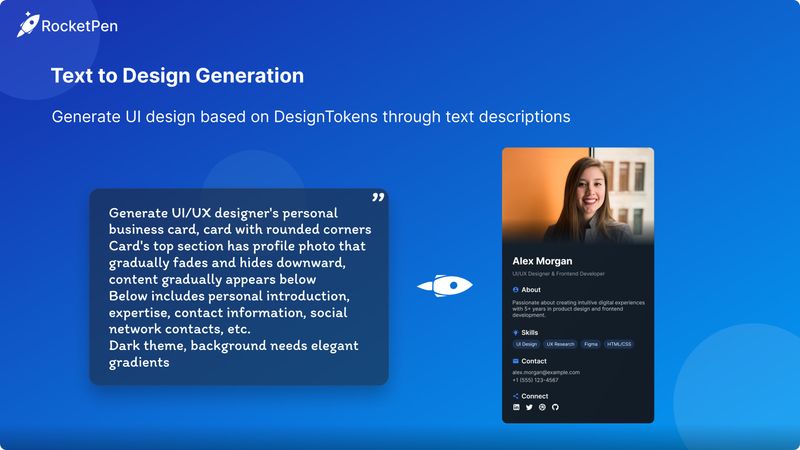
Text to Figma Generation
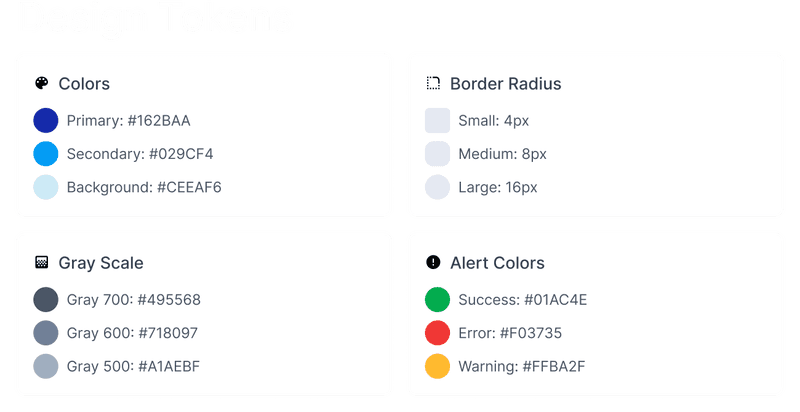
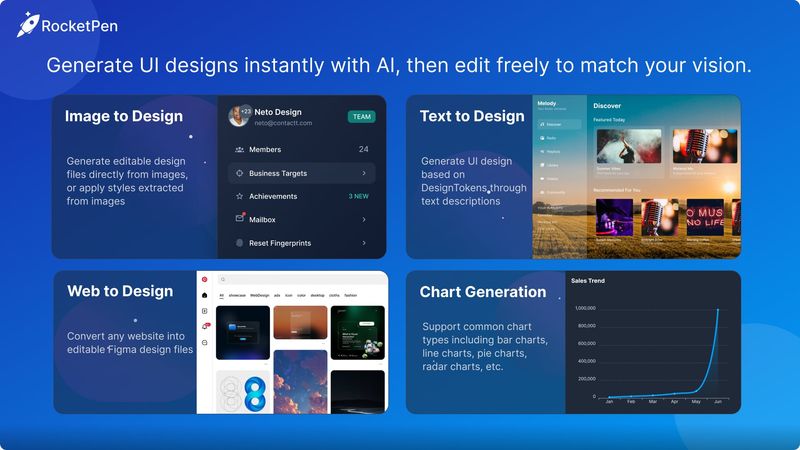
Describe your UI ideas in natural language and watch as RocketPen converts text to editable Figma designs instantly.
Website to Figma Conversion
Import any webpage directly into Figma. Convert HTML/CSS into fully editable layers and auto-layout frames.
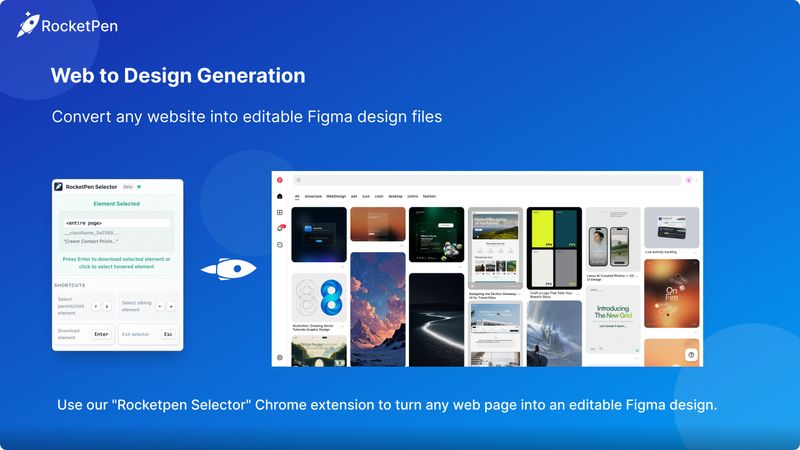
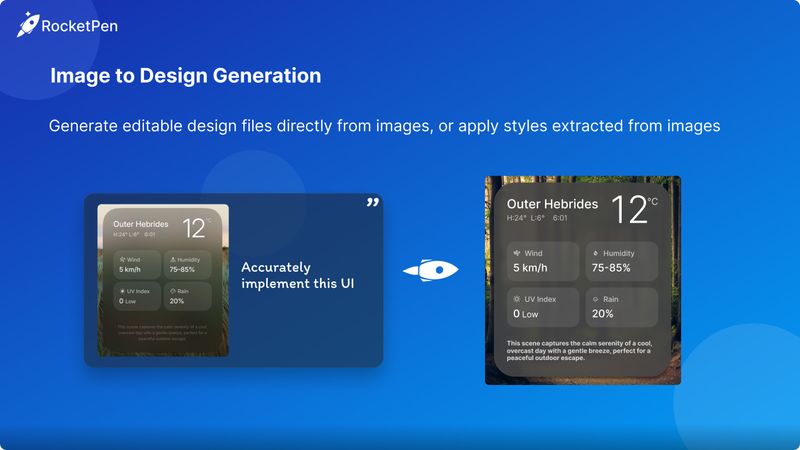
Image to Figma Transformation
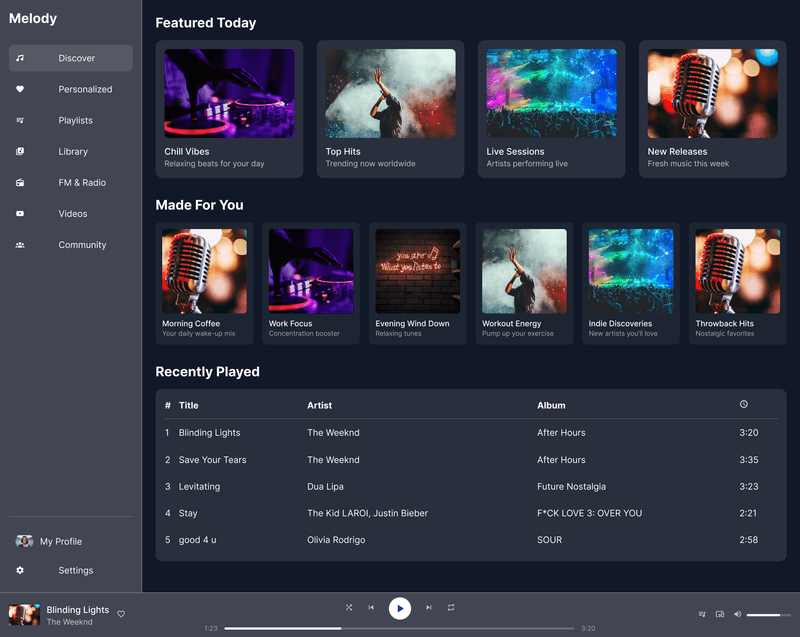
Upload screenshots or sketches. Our AI analyzes the visual structure and rebuilds it as an editable Figma design.
Figma Chart Generation
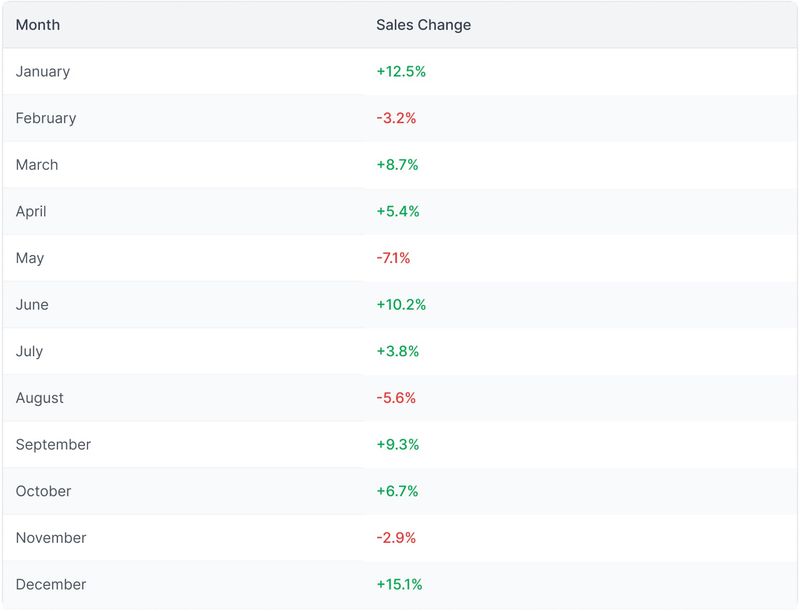
Visualize data effortlessly. Describe your data or paste it to generate beautiful, editable charts in Figma.

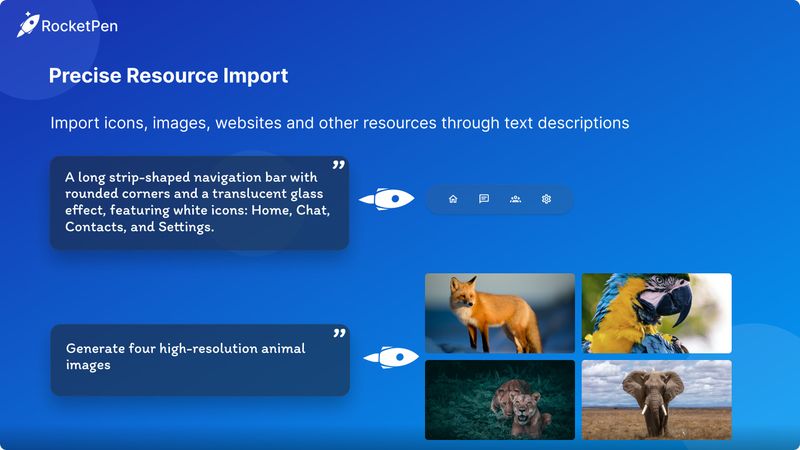
Precise Resource Import
Smartly import icons and images to fit your design context perfectly.
Website to Figma Design
Convert any website into editable Figma design files with our Chrome extension RocketPenSelector. Transform HTML/CSS into fully customizable Figma components, auto-layouts, and styles in just three simple steps.
Install Chrome Extension
Free extension for Chrome browser
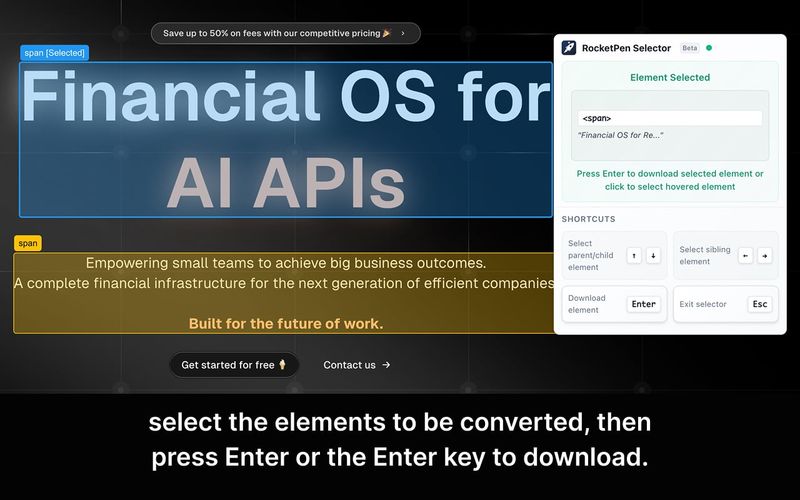
Select Elements to Convert
Launch the RocketPenSelector extension and choose the elements or entire page you want to convert on any website. The extension highlights selectable elements for easy identification.
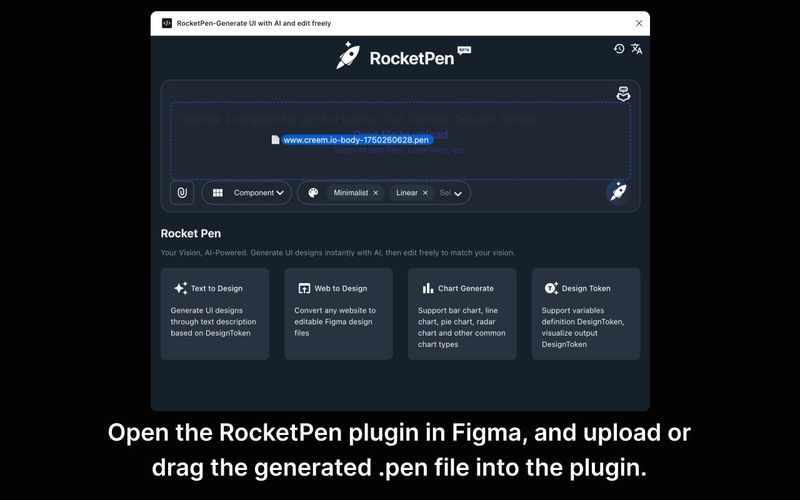
Download .pen File
Press the Enter key or click the "Download" button to convert the selected elements into a .pen file. The extension processes all styling, layout, and content information.
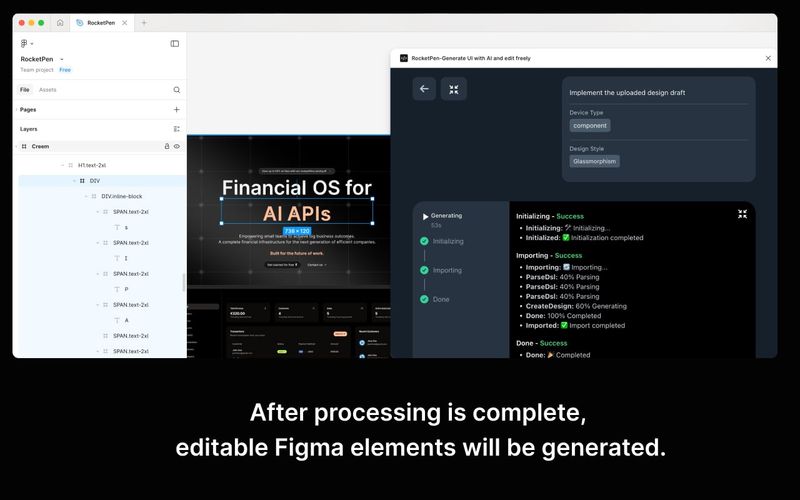
Import to Figma
Open the RocketPen plugin in Figma and drag the generated .pen file into the plugin interface. Watch as your website transforms into fully editable Figma components.
Why Choose RocketPen
Text to Figma: Natural Language Design
Generate professional designs with simple text descriptions. Just tell RocketPen what you need, and watch it transform your words into stunning UI components instantly.
Boost Design Efficiency
Smart generation replaces manual drawing, reducing design time by 80%. Perfect for rapid prototyping and moving from idea to Figma design faster than ever.
Website to Figma Reuse
Convert existing websites into editable Figma files. Leverage existing design systems and turn any web interface into a foundation for your next project.
Design Gallery
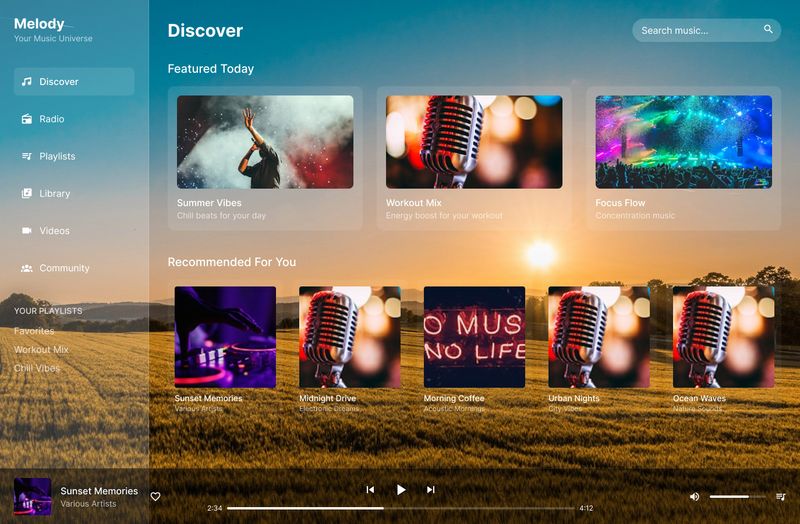
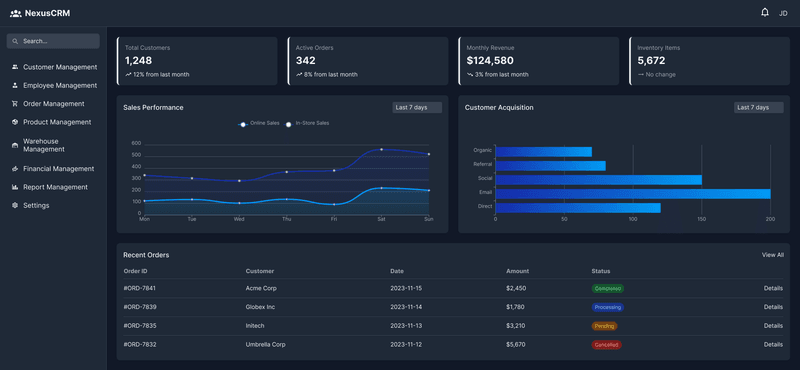
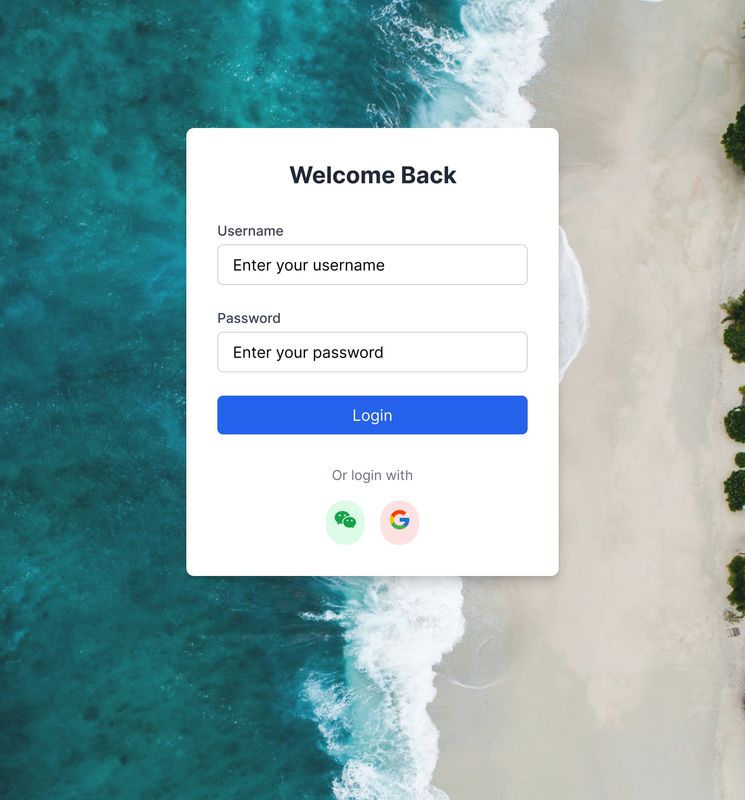
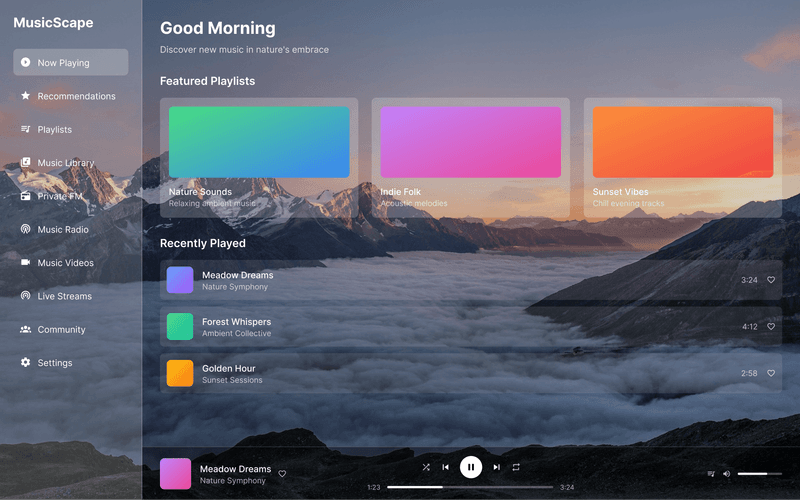
Explore stunning designs created with RocketPen. From mobile apps to desktop interfaces, see what's possible with AI-powered design generation.


Ready to Transform Your Design Workflow?
Join thousands of designers and developers boosting their productivity with RocketPen